Learn
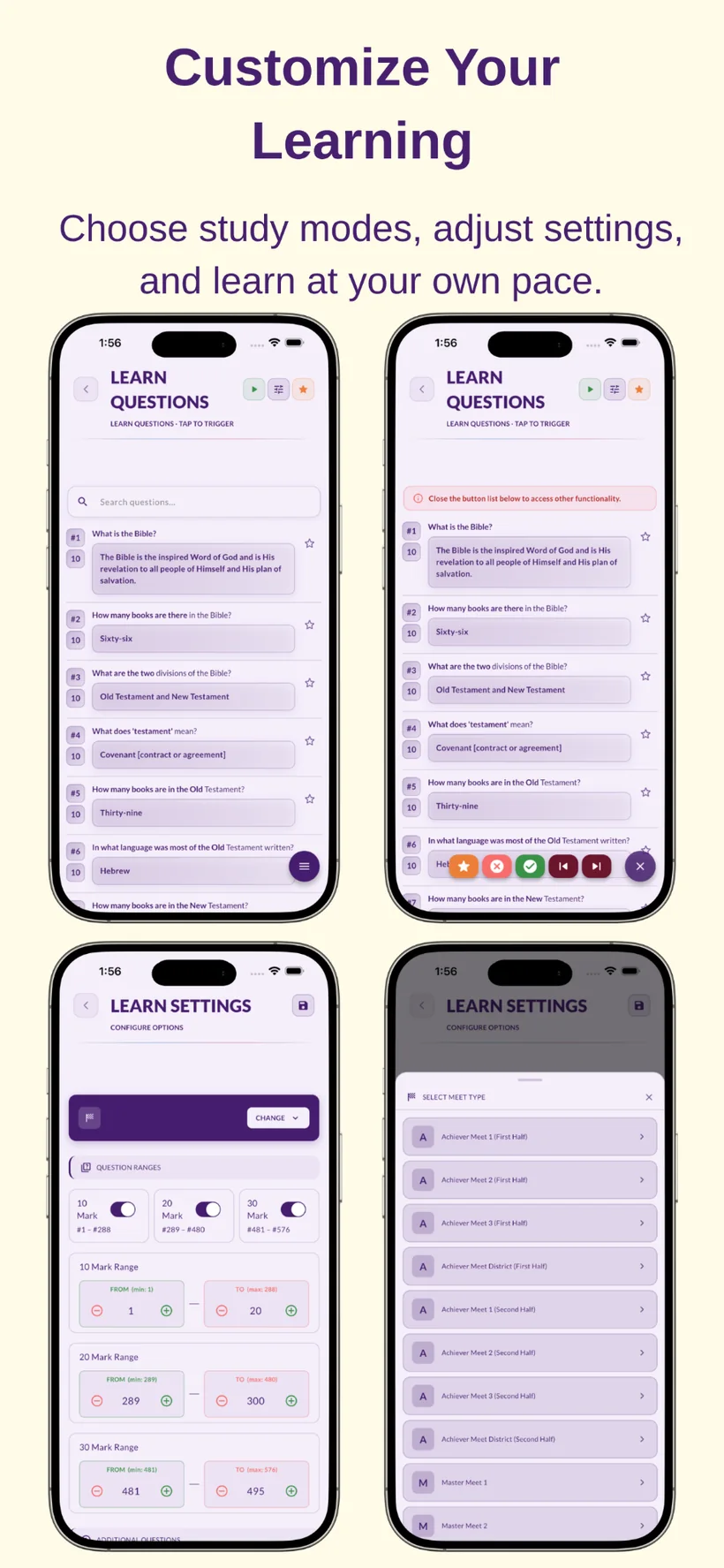
Read, search and listen to JBQ questions. Use playback-style controls, pause when a quizzer interrupts and mark answers correct or wrong.
Learn Faster. Practice Better. Quiz Stronger.
JBQ Companion gives coaches, parents, and quizzers one place to study Junior Bible Quiz questions, practice smarter, manage teams, keep score, and run live quiz matches.
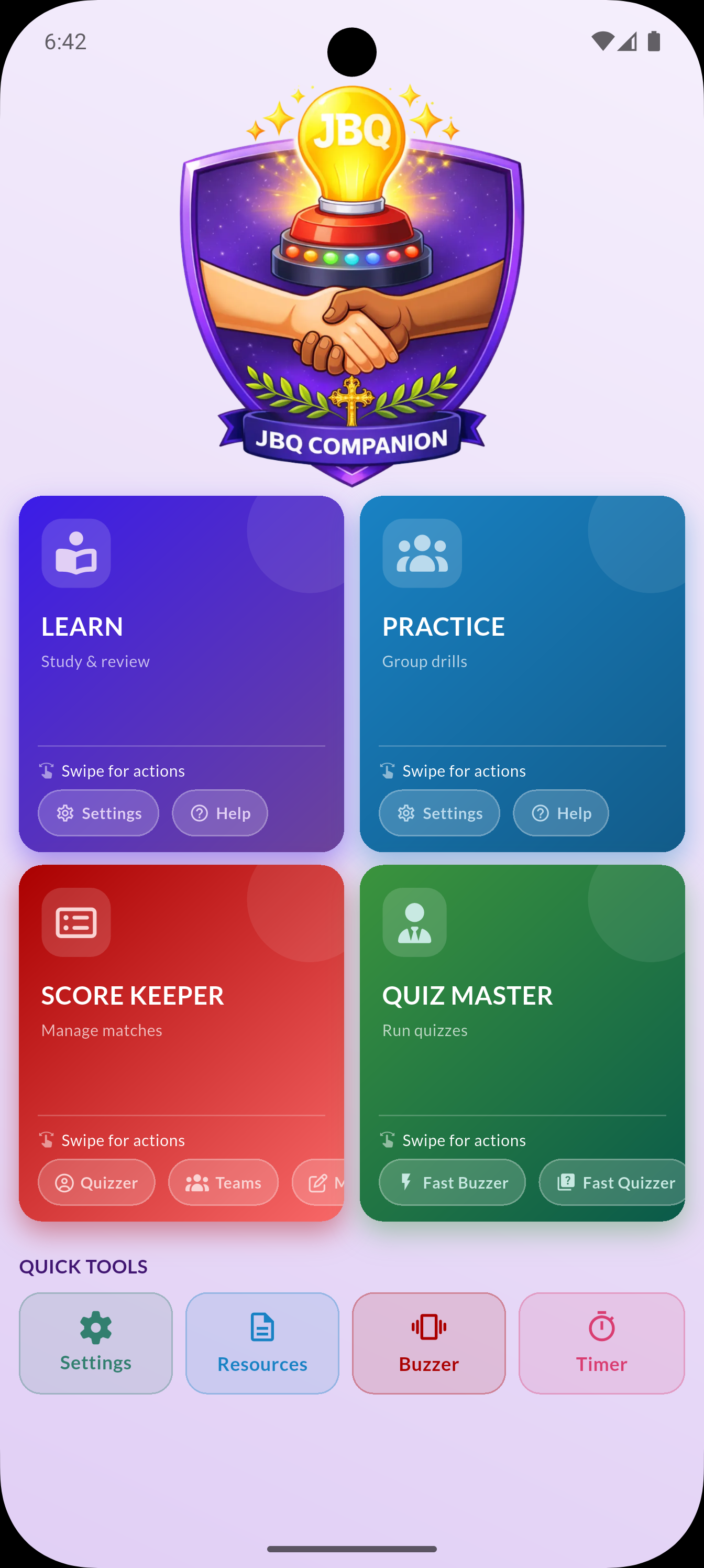
From first-time study to team practice and live match scoring, JBQ Companion keeps the tools coaches and families use most in one place.
Read, search and listen to JBQ questions. Use playback-style controls, pause when a quizzer interrupts and mark answers correct or wrong.
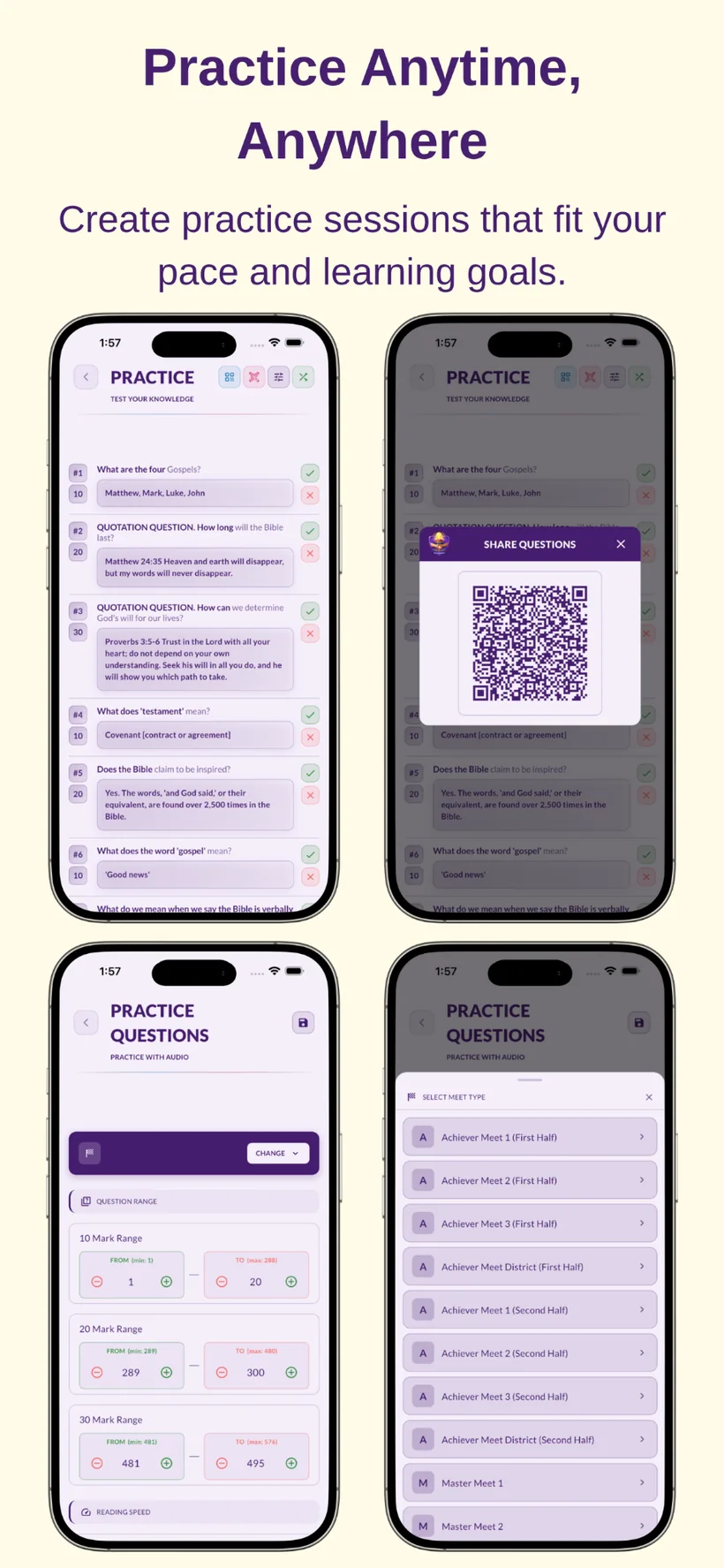
Generate a balanced random practice set using 10-, 20- and 30-point questions, with configurable ranges and meet types.
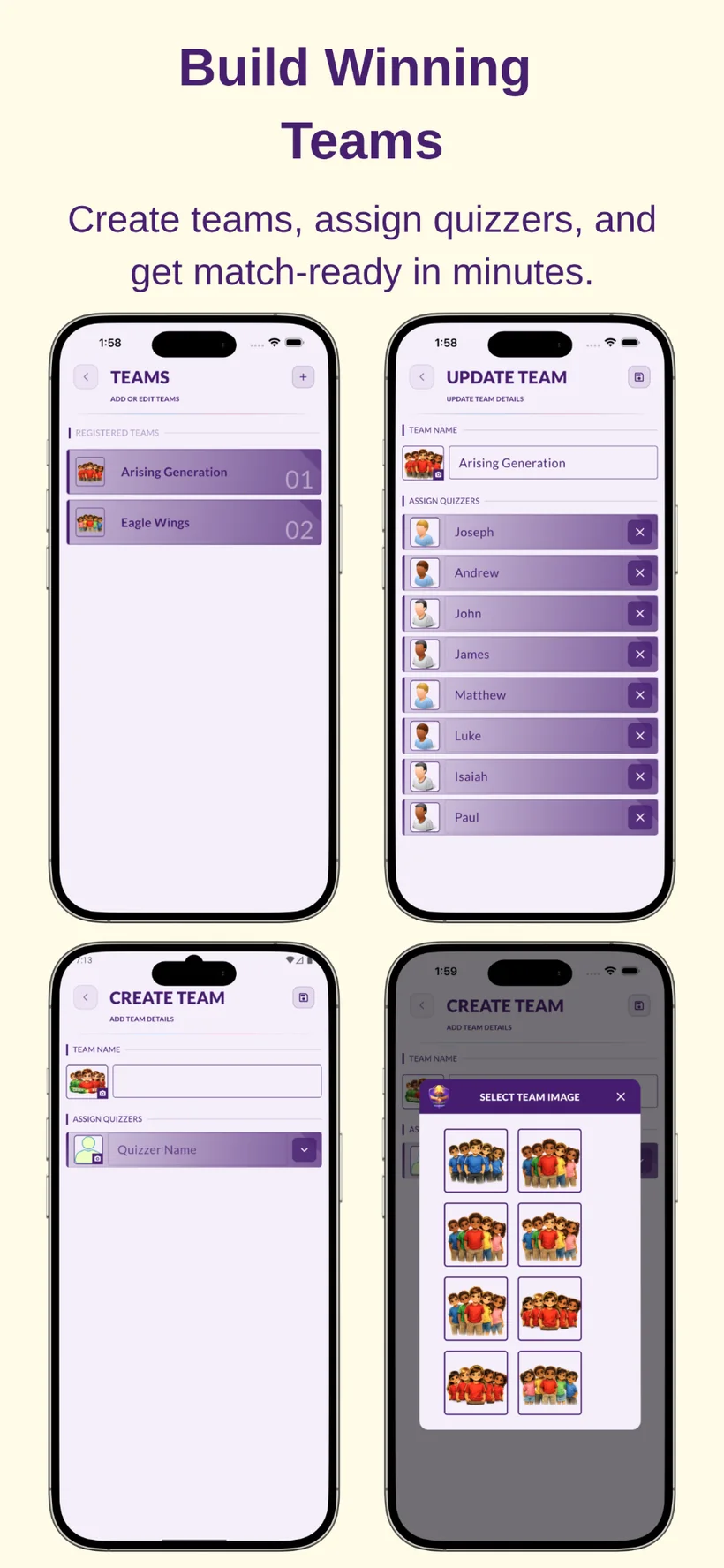
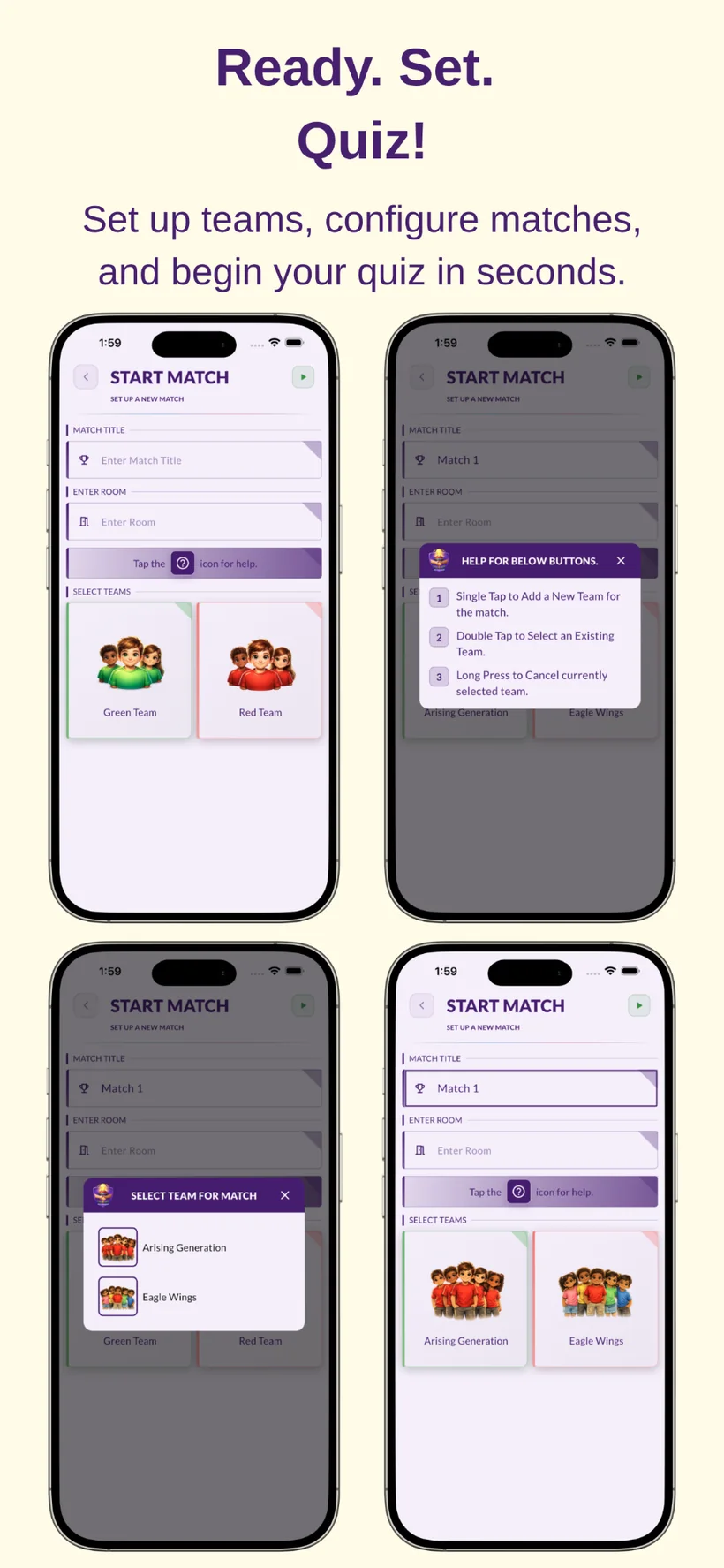
Create quizzers and teams, start matches, record points, timeouts and judge rulings, then review complete match results.
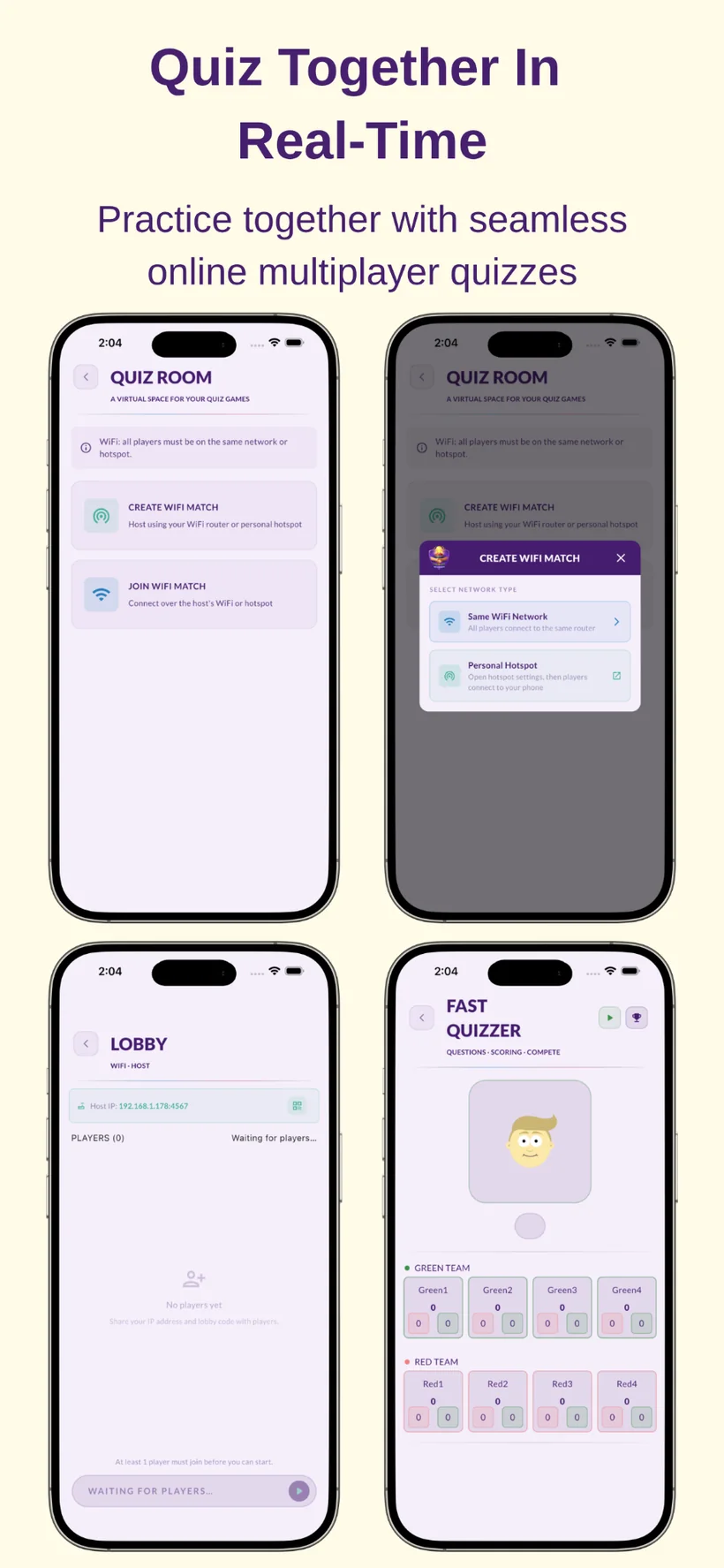
Run fast-quizzer activities and use the Quiz Room for local Wi-Fi or personal hotspot multiplayer practice.
Use multiple buzzer sounds, a configurable countdown timer, quick-access settings and other practice utilities.
Open JBQ basics, score sheets, official guidelines, team structure information and other supporting documents.
Choose exactly what to study, search questions quickly and let the app read questions aloud. The Learn module can be used like a simple media player, making it practical at home, during travel or in team practice.
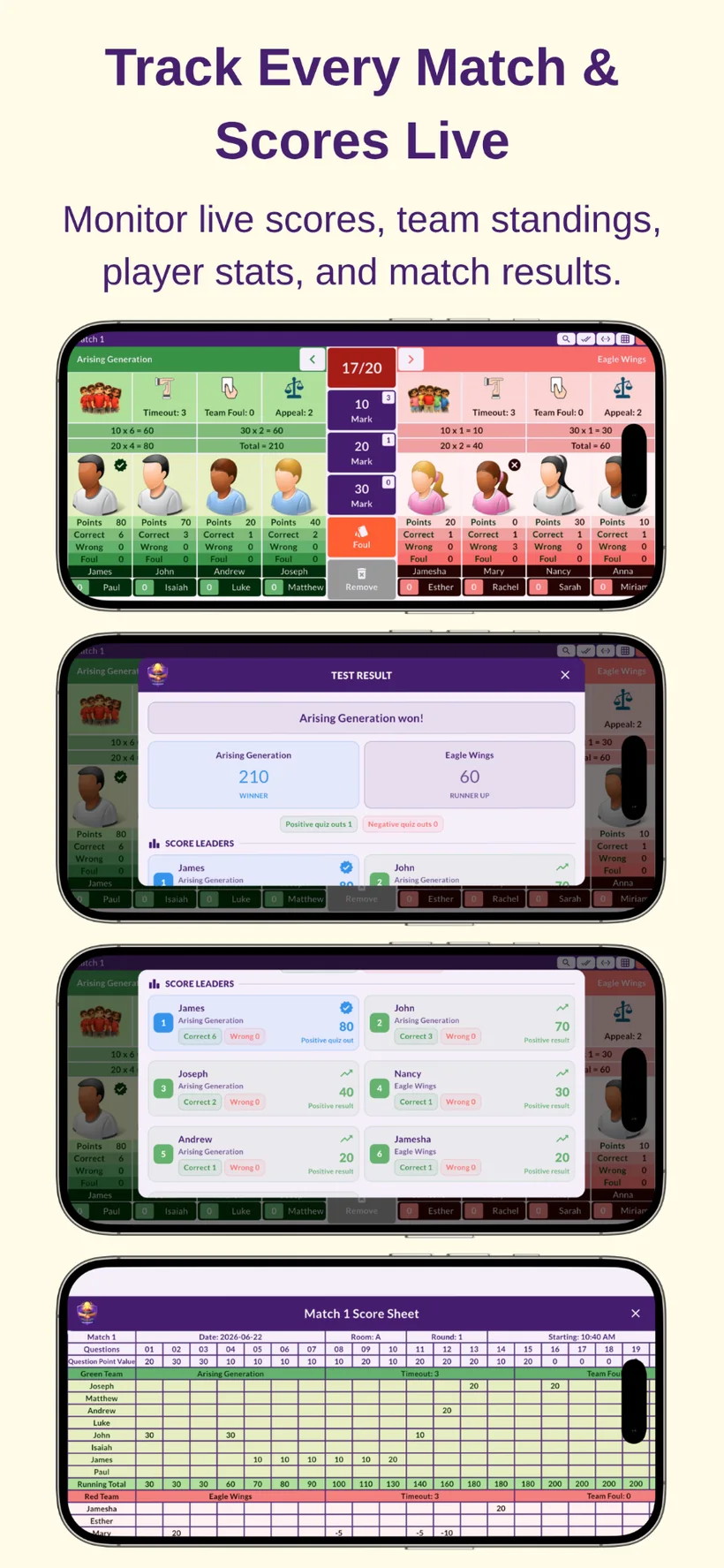
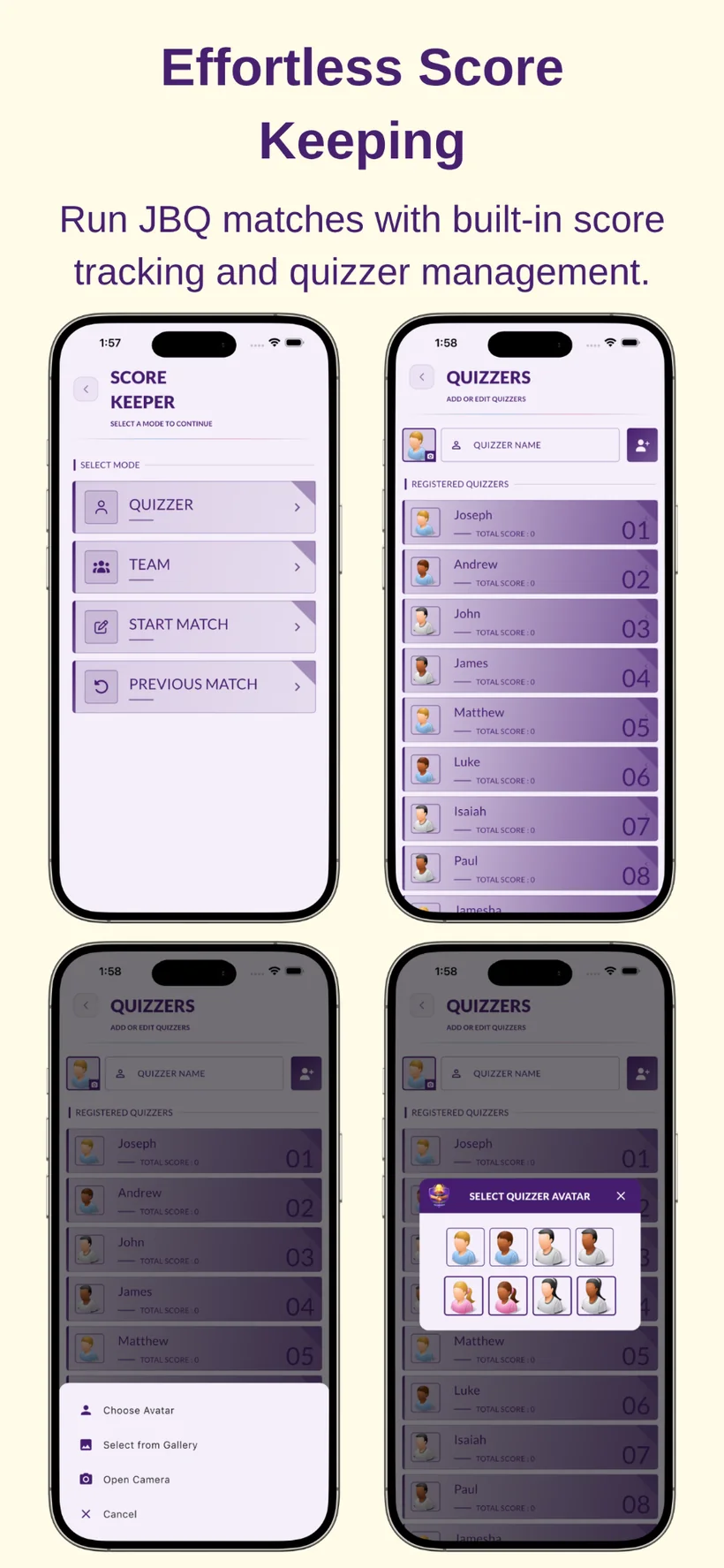
Create quizzers, organize teams, start a match, and enter scores directly from the app. This JBQ score keeper is designed around the actions that happen during a Junior Bible Quiz match.
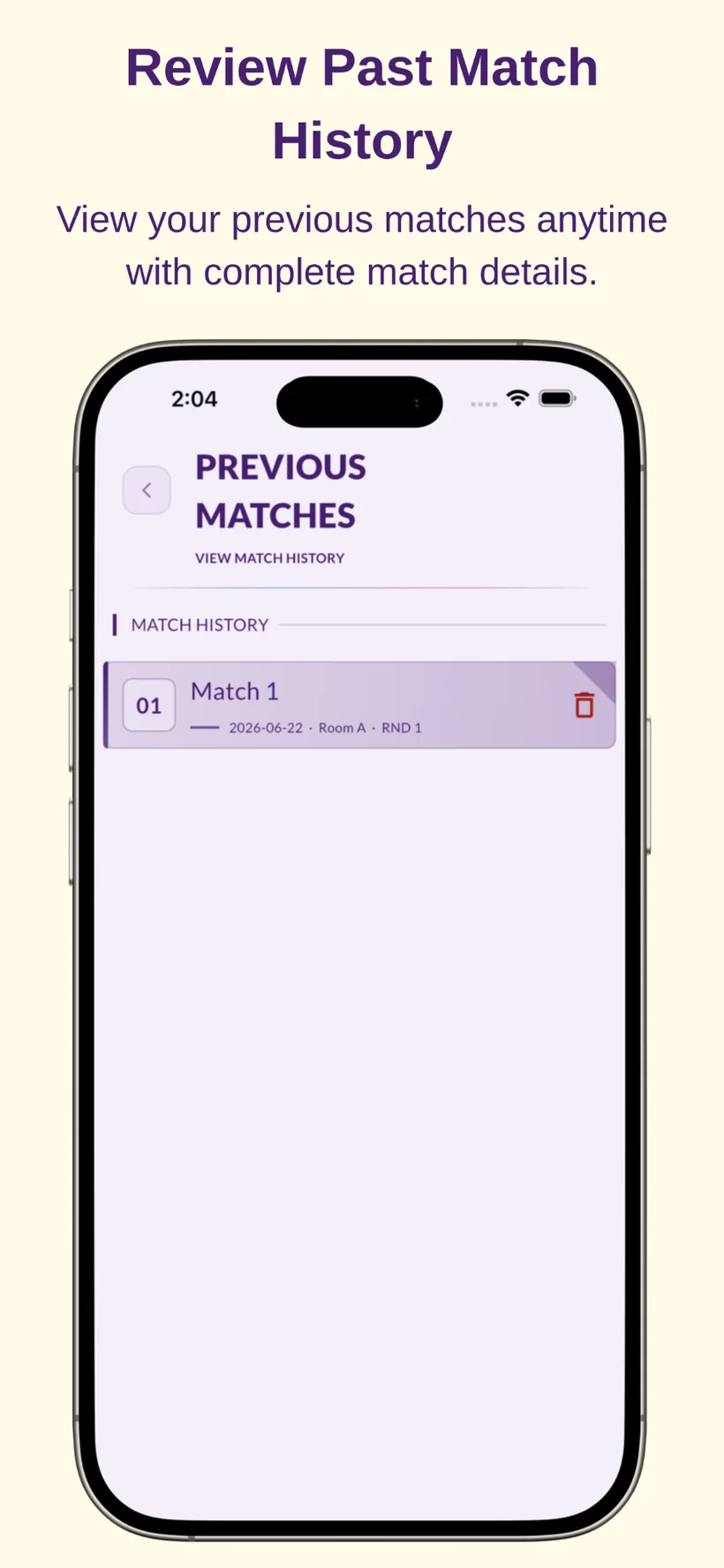
Match tools include timeout handling, judge-ruling actions, maximum-points visibility, results, score leaders and saved match history.
Host or join a live Junior Bible Quiz practice match on the same Wi-Fi network or personal hotspot. Quiz Room makes local multiplayer practice easier and more reliable.
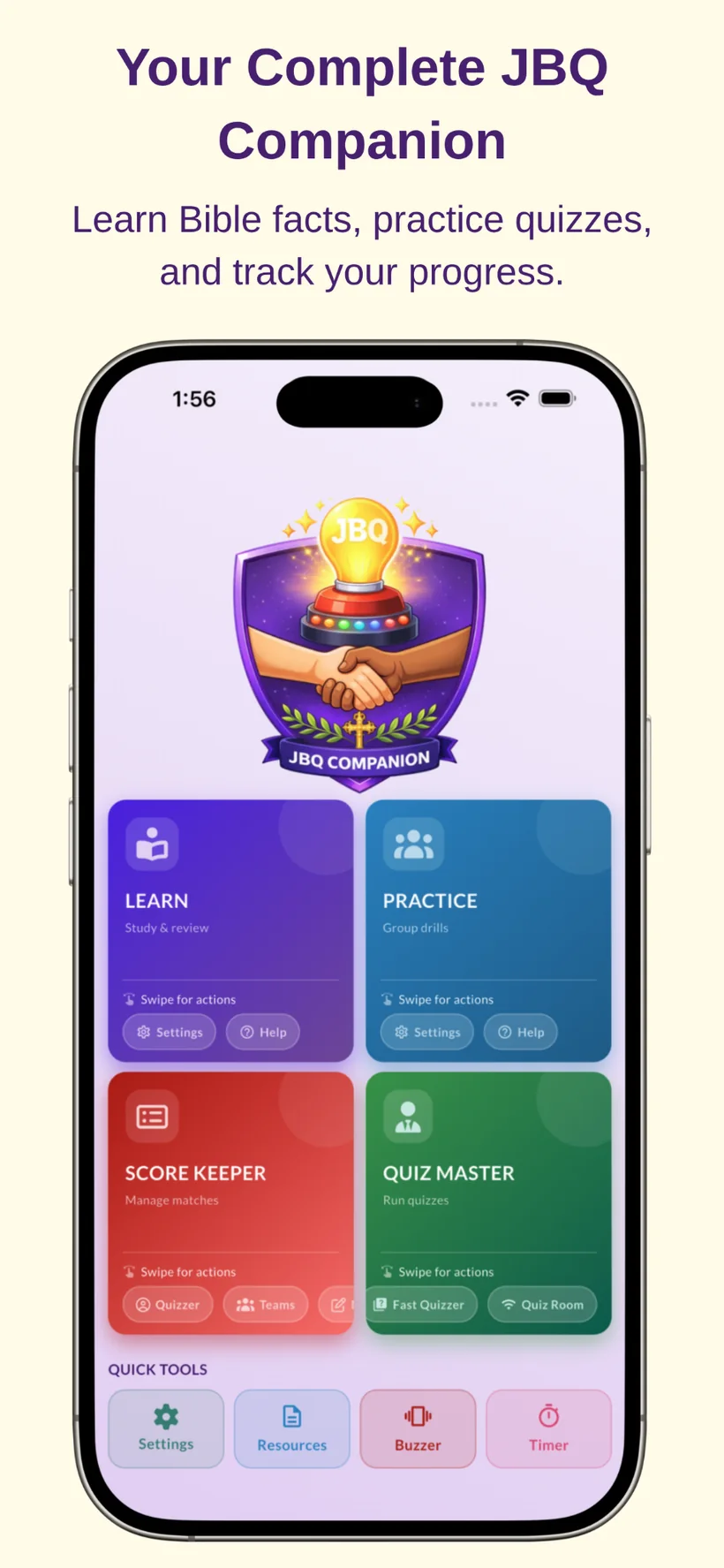
Swipe through the current application screens for learning, team setup, match control, live scoring, history and tools.
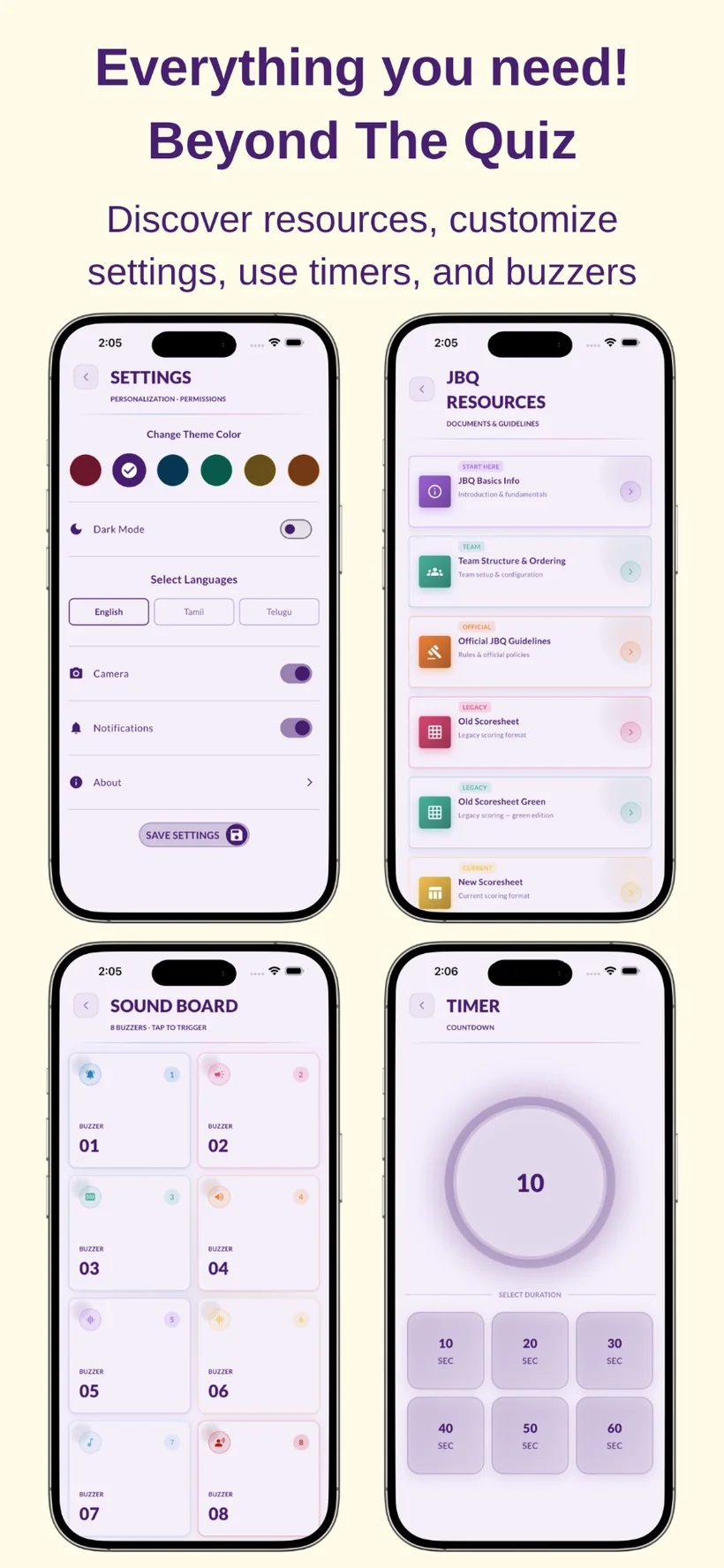
The Resources module keeps commonly used JBQ documents inside the app for quick reference during preparation and meets.
Recent work focuses on local multiplayer, better learning tracking and app stability, while earlier releases added reading controls, landscape support, timers and Quiz Master features.
Added a new button to read questions directly from the Learn screen.
Corrected mistakes in the new NLT questions and fixed an overflow issue in question search.
Fixed spelling mistakes in two questions.
JBQ Companion was updated to work in both screen orientations.
Redesigned home access and introduced a timer for measuring quizzer response time.
Added read-all behavior, media-style controls and visual question highlighting while reading.
Released Quiz Master, improved navigation and corrected a rare final-score calculation issue.
JBQ Companion is designed for Junior Bible Quiz coaches, parents, quizzers and church teams who want one app for studying, practicing and managing quiz activities.
Yes. The Learn module includes question-reading controls and can be used to listen to selected questions, including while traveling or practicing away from a normal study desk.
Yes. The Practice module generates random question sets, while Score Keeper and Quiz Room support team practice, scoring and local Wi-Fi multiplayer workflows.
The provided app information lists NLT and NIV question versions as selectable options in Settings.
Yes. Previous matches can be reviewed with saved match information and score details.
Use JBQ Companion to support learning, practice sessions, team management and match-day scoring from a single mobile app.
Back to Top